
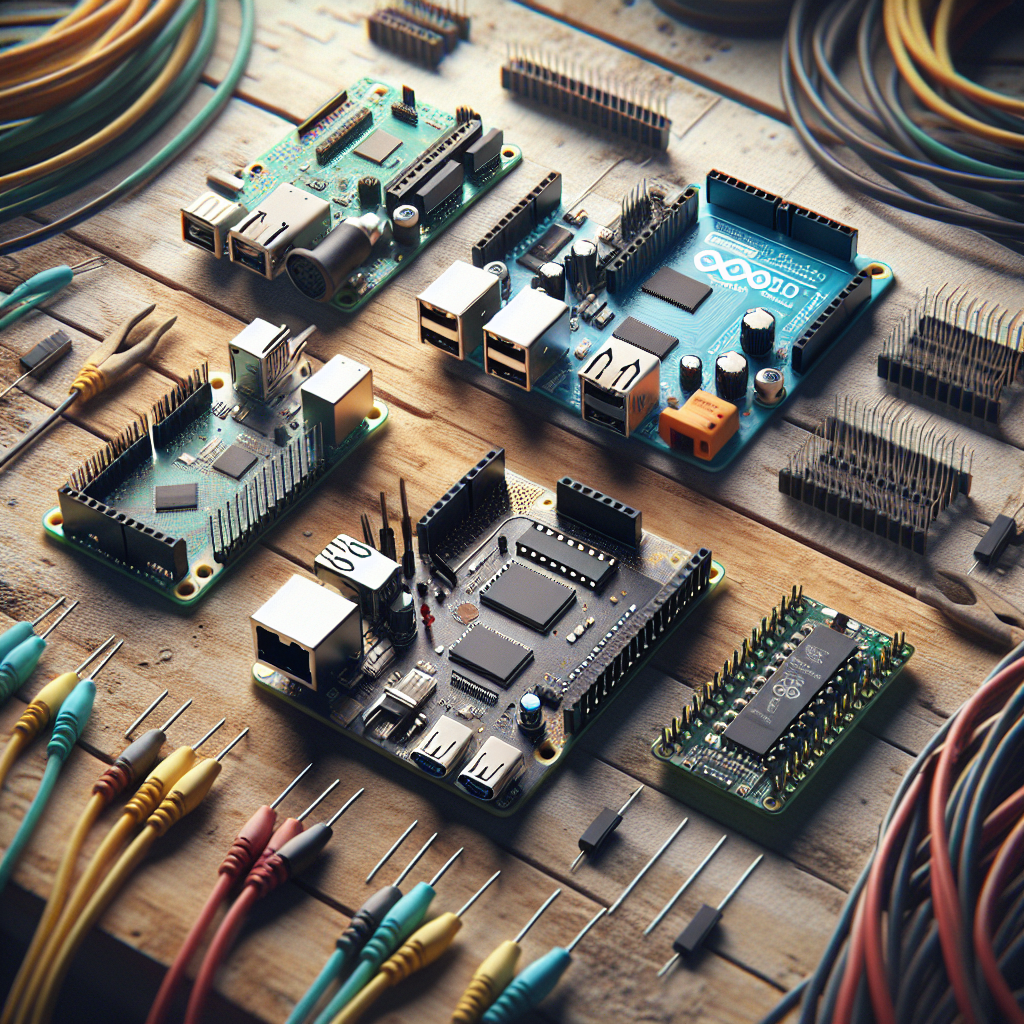
Selecting the central processor is the most critical decision in robotics engineering. The “brain” dictates your robot’s processing speed, sensor compatibility, and power efficiency. Makers typically choose between three dominant platforms: the Arduino microcontroller (MCU), the Raspberry Pi single-board computer (SBC), and the ESP32 wireless powerhouse. Before choosing a brain, you should understand the foundational Sense-Think-Act loop that governs all robot architectures.
Each platform serves a distinct architectural role within a robotic system. This guide compares the technical specifications and use cases of these three boards to help you choose the optimal brain for your project.
Microcontrollers vs. Single-Board Computers: The Architectural Divide
Robotics enthusiasts must distinguish between a Microcontroller Unit (MCU) and a Single-Board Computer (SBC). This distinction determines how a robot handles hardware tasks versus high-level logic.
A Microcontroller (MCU) executes code on “Bare Metal” with nanosecond-level precision. The Arduino Uno and ESP32 are prominent examples of MCUs. These chips excel at real-time tasks like motor pulsing and sensor polling because they lack the overhead of an operating system.
A Single-Board Computer (SBC) is a complete computer running a full operating system like Linux. The Raspberry Pi 5 is the industry-standard SBC for hobbyists. SBCs manage complex computations and peripherals like USB cameras. These boards are less efficient at low-level timing tasks but offer immense processing power for mapping and AI logic.
Arduino: The Industry Standard for Real-Time Control
The Arduino platform represents the entry point for beginner roboticists. It utilizes simple C++ syntax and a vast ecosystem of modular “shields” to control hardware without complex wiring.
The Arduino Uno R3 board provides 5V logic and large-scale GPIO pins for durable prototyping. This board starts instantly and maintains total operational stability because it lacks an operating system. Beginner makers should use the Arduino Uno for simple logic loops like following a line or avoiding obstacles. Reliable hardware control is guaranteed when using the Arduino for foundations. Start your journey with our First Robot Build Guide. For hands-on Arduino build tutorials, browse our Arduino Robot Projects collection.
Raspberry Pi: High-Level Processing and AI Vision
The Raspberry Pi is a high-performance computer designed for robots requiring intense computational power. It provides significantly more RAM and processing speed than any microcontroller counterpart.
High-level tasks like computer vision and room mapping require the Raspberry Pi. This board runs the Robot Operating System (ROS 2) and computer vision libraries like OpenCV. Makers should pair the Raspberry Pi with an Arduino for motor management to ensure real-time response. This hybrid “Computer-plus-Controller” architecture is the foundation for advanced projects. Explore these configurations in our Raspberry Pi Robot Projects repository.
ESP32: The Wireless Powerhouse for IoT Robotics
The ESP32 platform offers dual-core processing and high-speed wireless connectivity at a low cost. This chip is a microcontroller that bridges the gap between simple controllers and full computers.
Built-in Wi-Fi and Bluetooth are the defining attributes of the ESP32. This makes the ESP32 the superior choice for remote-controlled robots and IoT devices. Makers can host a web server directly on the board to control movements via a smartphone. The ESP32 supports MicroPython for fast development cycles. Professional IoT roboticists prioritize the ESP32 for its power-to-price ratio.
Head-to-Head Comparison: Processing Power, GPIO, and Connectivity
The following table provides an explicit comparison of the three dominant robot brains:
| Technical Attribute | Arduino Uno R3 | ESP32-WROOM | Raspberry Pi 5 |
|---|---|---|---|
| Processor Type | 8-bit RISC | 32-bit Dual-Core | 64-bit Quad-Core |
| Clock Speed | 16 MHz | 240 MHz | 2.4 GHz |
| SRAM | 2 KB | 520 KB | 4 GB – 8 GB |
| Built-in Wireless | None | Wi-Fi & Bluetooth | Wi-Fi & Bluetooth |
| Operating Voltage | 5V | 3.3V | 5V (USB-C) |
| Best Application | Real-time control | Wireless / IoT robots | AI and ROS 2 |
Selection Logic: Which Brain Should You Choose?
Selecting a robot brain depends on the specific “Sense-Think-Act” requirements of the project. Makers should follow this selection logic:
- Purchase an Arduino Uno for basic 2WD or 4WD cars, such as the Elegoo Smart Robot Car Kit. The 5V logic prevents “magic smoke” incidents during beginner wiring.
- Use an ESP32 for swarm robots or smartphone-controlled machines. The high-speed connectivity is built into the chip.
- Select a Raspberry Pi 5 for autonomous drones and vision-based robots. Advanced AI models require a quad-core CPU.
Advanced robots use an SBC for high-level navigation and an MCU for low-level motor pulses. This multi-tier architecture ensures both intelligence and physical precision. Developing the logic for these systems requires a specific software stack. Review our Robot Programming Guide to understand the languages and frameworks used in professional robotics. Reference our Robotics for Beginners 2026 Roadmap to see where these boards fit into a monthly learning cycle.
Understand how these boards interact with physical sensors in our Robot Sensors Explained comprehensive reference. If you are evaluating robotics as a career, review our Robotics Career Guide for salary benchmarks and specialization paths.
Frequently Asked Questions about Robot Brains
Can I run Linux on an Arduino?
No, you cannot run Linux on an Arduino microcontroller. Arduino boards lack the Random Access Memory (RAM) and processor architecture required to host a full operating system. You should use a Single-Board Computer like the Raspberry Pi for projects requiring Linux-based software like ROS 2 or OpenCV.
Does the ESP32 have built-in Wi-Fi?
Yes, the ESP32 has built-in Wi-Fi and Bluetooth connectivity integrated directly into the chip. This wireless capability allows it to function as a standalone IoT node without external modules. You can use the ESP32 to build remote-controlled robots that communicate over a local network or the internet.
Is the Raspberry Pi better than the Arduino for starting out?
The Raspberry Pi is not universally better than the Arduino for starting out because the two boards serve fundamentally different architectural roles. Arduino is generally better for learning hardware control and electronics, while Raspberry Pi is essential for learning high-level AI and computer vision.
| Feature | Arduino Uno | Raspberry Pi 4/5 |
|---|---|---|
| Primary Use | Real-time motor control | AI, Vision, and Navigation |
| Logic Voltage | 5.0V (Durable) | 3.3V (Sensitive) |
| Setup Time | Instant (Plug & Play) | High (Requires OS Install) |
| Best For | Simple rule-based bots | Autonomous thinking bots |
How do I decide between Arduino, Raspberry Pi, and ESP32 for my robot project?
You should choose between Arduino, Raspberry Pi, and ESP32 based on the specific “Sense-Think-Act” requirements of your project. Follow this three-step selection process:
- Identify your primary loop stage: If your robot only needs to “Act” (motor control, sensor polling), choose Arduino. If your robot needs to “Think” (AI, vision, navigation), choose Raspberry Pi.
- Check connectivity requirements: If your robot requires Wi-Fi or Bluetooth for remote control or IoT communication, choose ESP32 over Arduino.
- Evaluate your budget and power constraints: ESP32 costs approximately $5-10 per unit and draws minimal power, making it ideal for battery-powered swarm robots. Raspberry Pi costs $35-80 and requires a stable 5V 3A power supply.